Publishing scenarios
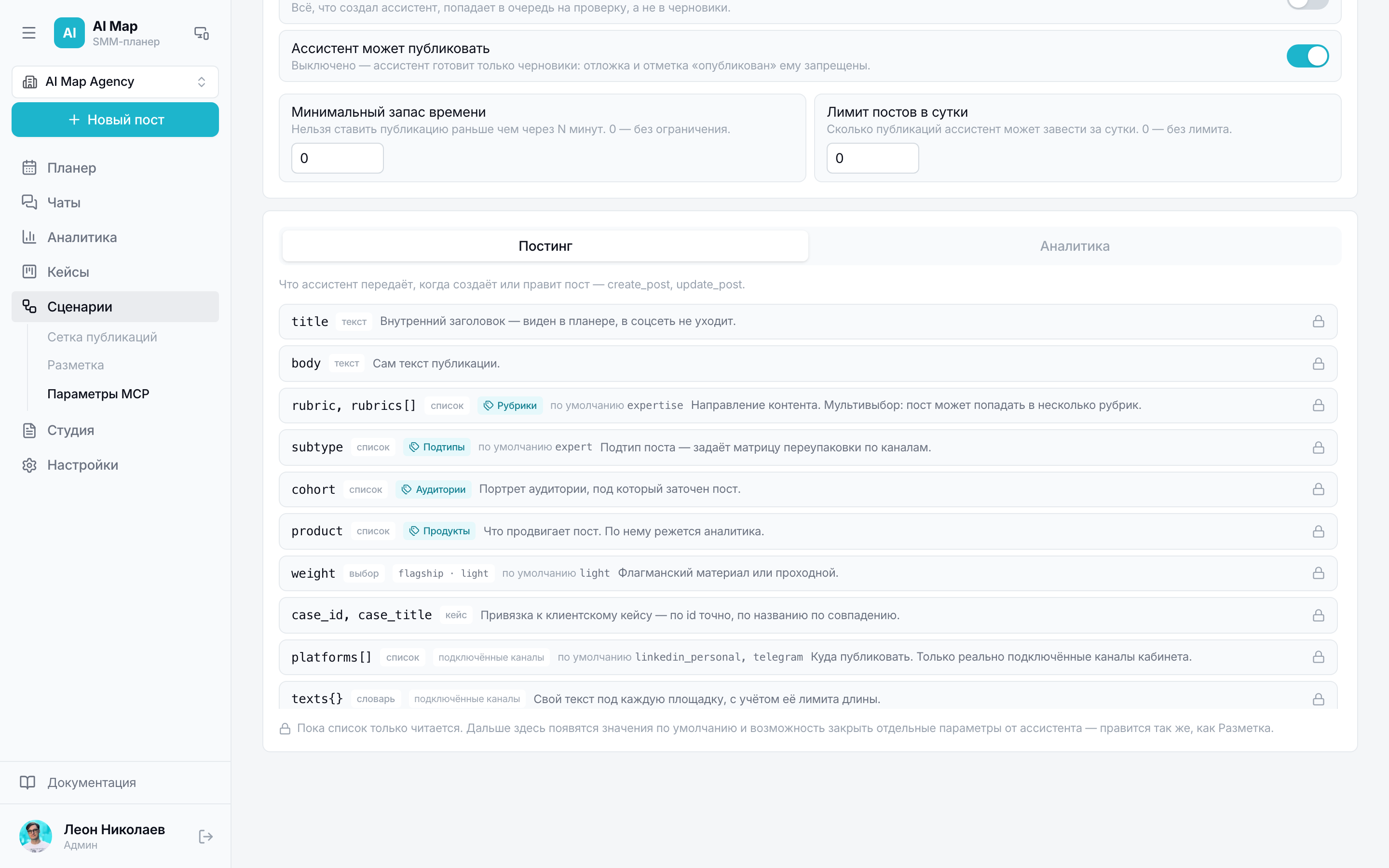
The publishing routine: what goes where after the flagship material. Both the assistant and the team work by it — everyone knows what to publish next.
Section in the service: /scenarios
A scenario answers the question “what happens after the flagship post goes out”. It's a tree on a canvas: the starting step at the top, continuations on other platforms below. A run creates all the tree's posts at once and arranges them in time.
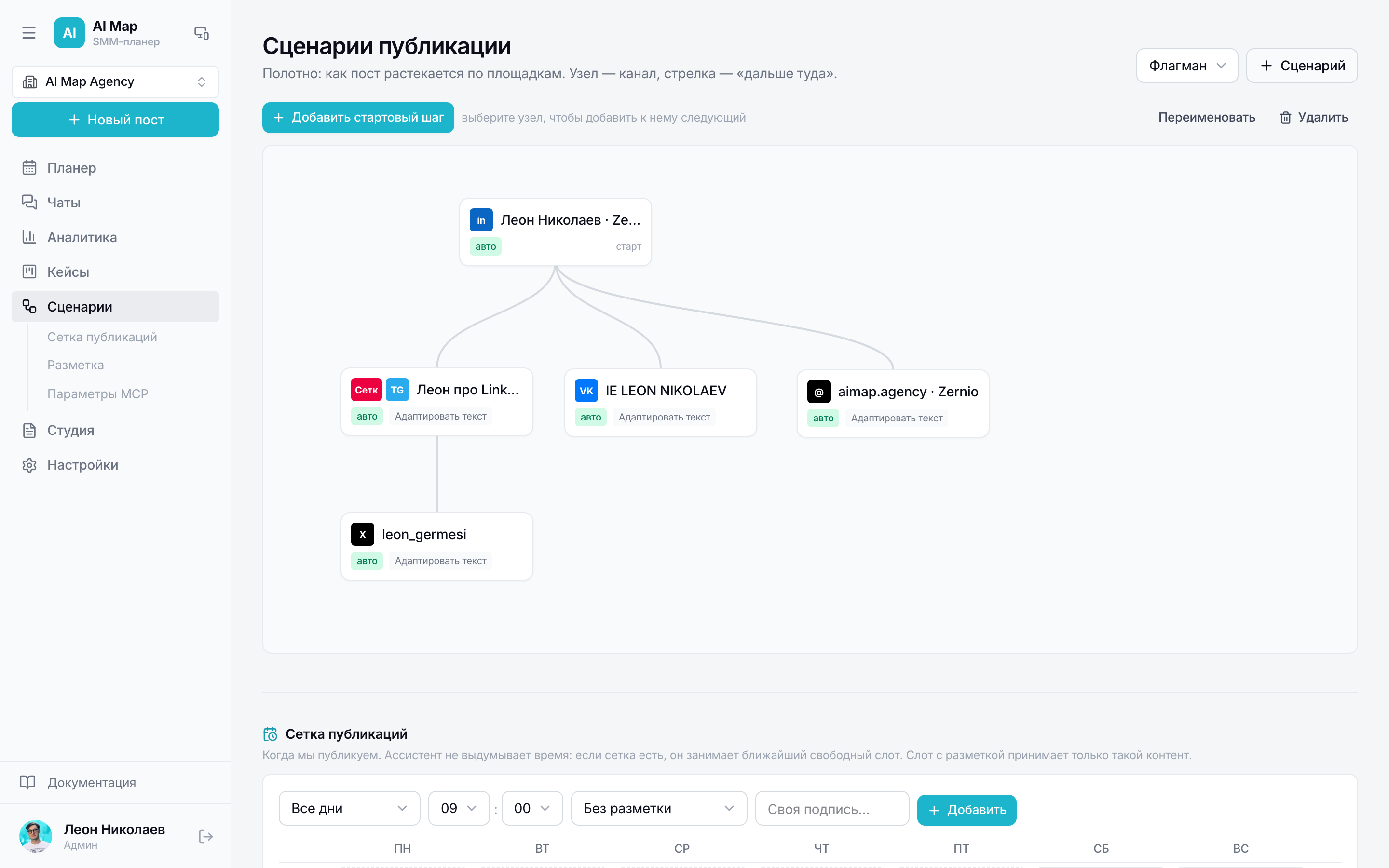
Four parts of the section
“Scenarios” in the service isn't only the canvas. Everything that sets publishing rules is gathered here, and the order isn't random: first the material's route, then the rhythm, then the tagging language, then the assistant's behaviour.
- Scenarios — the step trees themselves: what goes out after what and with which delay.
- Publishing grid — slots “day of the week + time + what to fill with”.
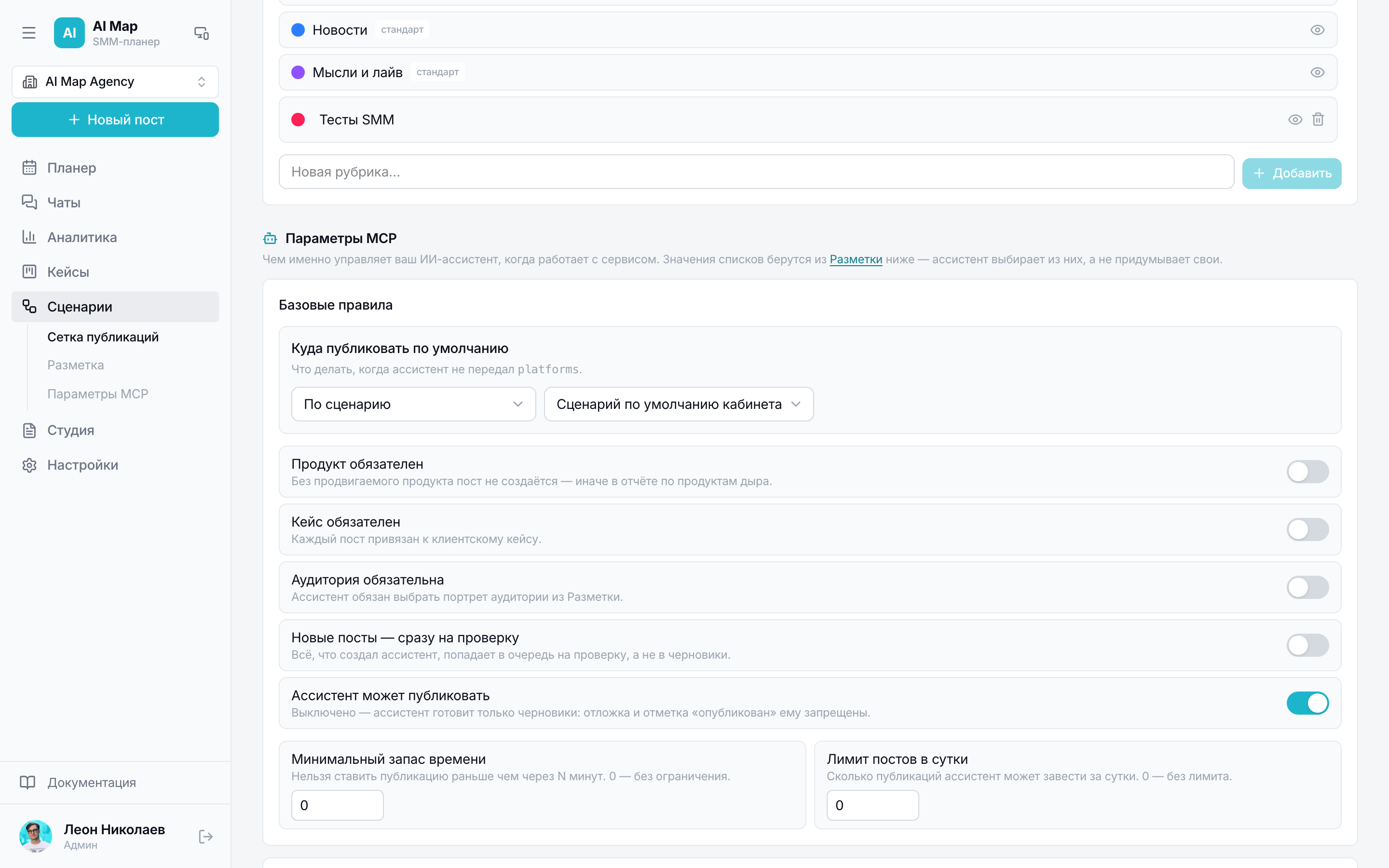
- Tags — the directories of topics, subtypes, audiences and products.
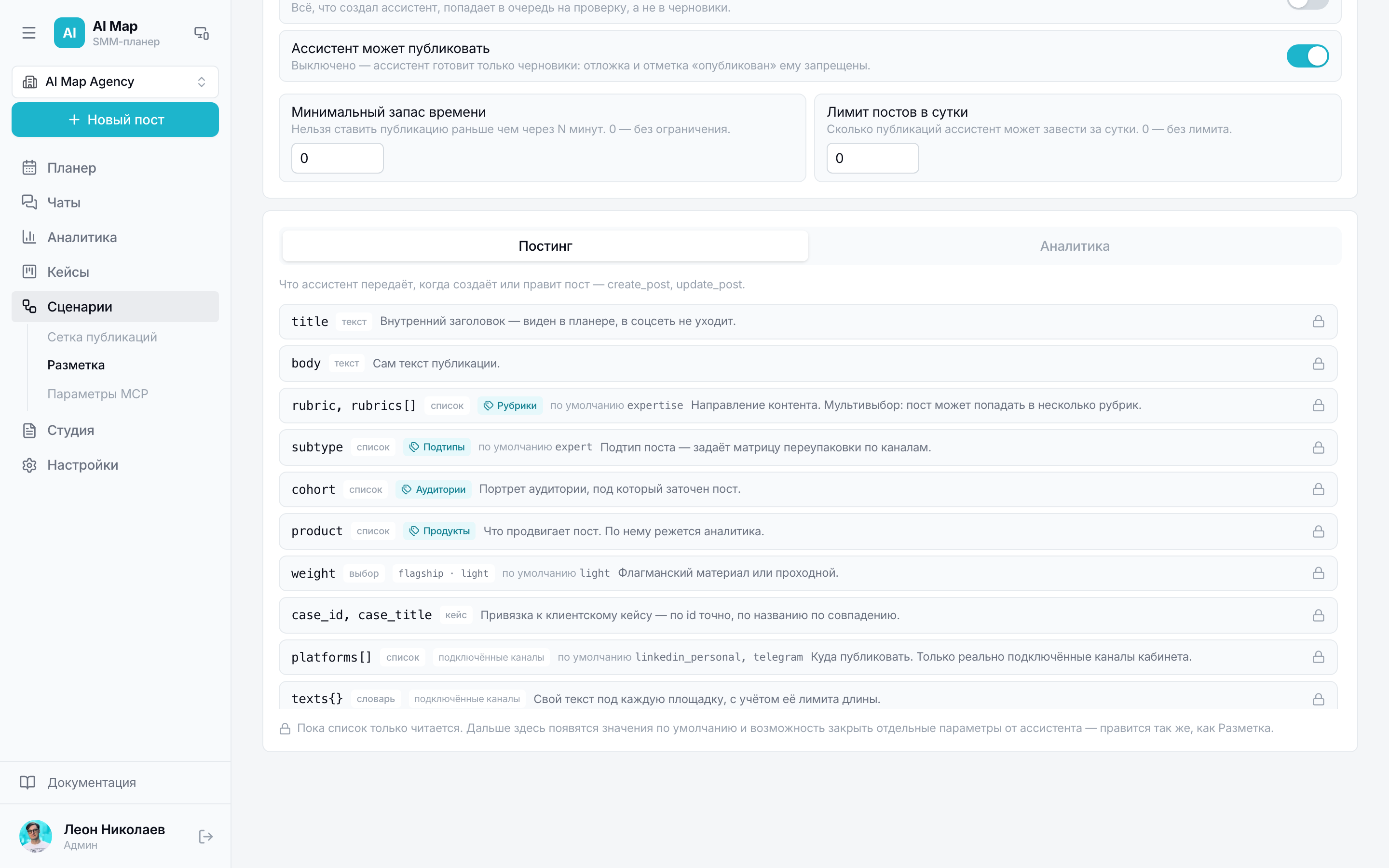
- MCP parameters — what the assistant is allowed and what it does by default.
What a step consists of
- Platform or a specific channel — where this post will go.
- Mode: automatic (the service publishes itself) or manual (a task appears in the Planner).
- Delay from the parent in minutes: 0 — at the same time, 2880 — two days later.
- Time: either exactly after the delay, or the nearest free grid slot after it.
- What to do with the text: keep as is, adapt for the platform, make it a caption for the image, write a continuation or run your own instruction.
- Condition: the step runs only if the post has suitable tags — for example, only for cases or only for the “Expertise” topic.
How time is calculated
Step time = parent time plus its delay. Branches are calculated stepwise down the tree, so “a day after LinkedIn” means exactly a day after LinkedIn, not after the run.
If a step has “by grid” selected, the service takes the nearest free publishing slot after the calculated time — so posts don't pile up and fall into your usual rhythm.
Conditions and branches
A condition compares the post's tags with the given values. Didn't pass — the branch isn't created along with all its descendants. An empty condition always passes, and an unclear one passes too: a scenario shouldn't silently lose branches because of a typo.
Run
- 1Choose a scenario and the material everything starts from.
- 2The texts for the steps are prepared by the assistant or by you — the engine only arranges them in time.
- 3After the run, automatic steps go into the schedule, manual ones appear as drafts with a planned time.
- 4Unfinished runs are visible as a separate list: it's immediately clear where a scenario is waiting for text or a human action.
Steps for article platforms (vc, Habr, Dzen, Spark) create an article in the Studio rather than a post: the text is long there, and it's edited in the article editor.
What publishes itself
Steps where we have working access go out automatically: Telegram with a chosen channel, LinkedIn, Buffer and SmmBox channels. Other platforms create a reminder task — you publish by hand and mark the post as published.
Publishing grid
The grid answers the question of rhythm, not content: on which days and hours you publish at all. A slot is a day of the week, a time and a rule for what to fill it with: any post, a certain topic or subtype.
Then the grid works on its own: a post can be placed into the nearest free window, and a scenario step in “by grid” mode picks the nearest suitable slot after its delay.
Tags
The directories of topics, subtypes, audiences and products are set up for your services and your readers. This is the language analytics speaks later: any breakdown is a selection by these fields.
MCP parameters
This is where the assistant's default behaviour is set: where to publish if platforms aren't named, which scenario to use and whether it's allowed to publish at all. The parameters sit next to the tags and the grid on purpose — the assistant takes its values exactly from here.