Publishing
How a post goes out: schedule, slot grid, retries and what to do with errors.
Section in the service: /planner
When a post goes out
The publisher checks scheduled posts once a minute and takes those whose time has come. We set the time, not the platform: so a post can be cancelled or moved right up until it goes out.
Publishing grid
The grid is your usual slots: days of the week and times when posts go out. A post can be placed into the nearest free slot without picking a date by hand. Slots are set up in Scenarios → Publishing grid.
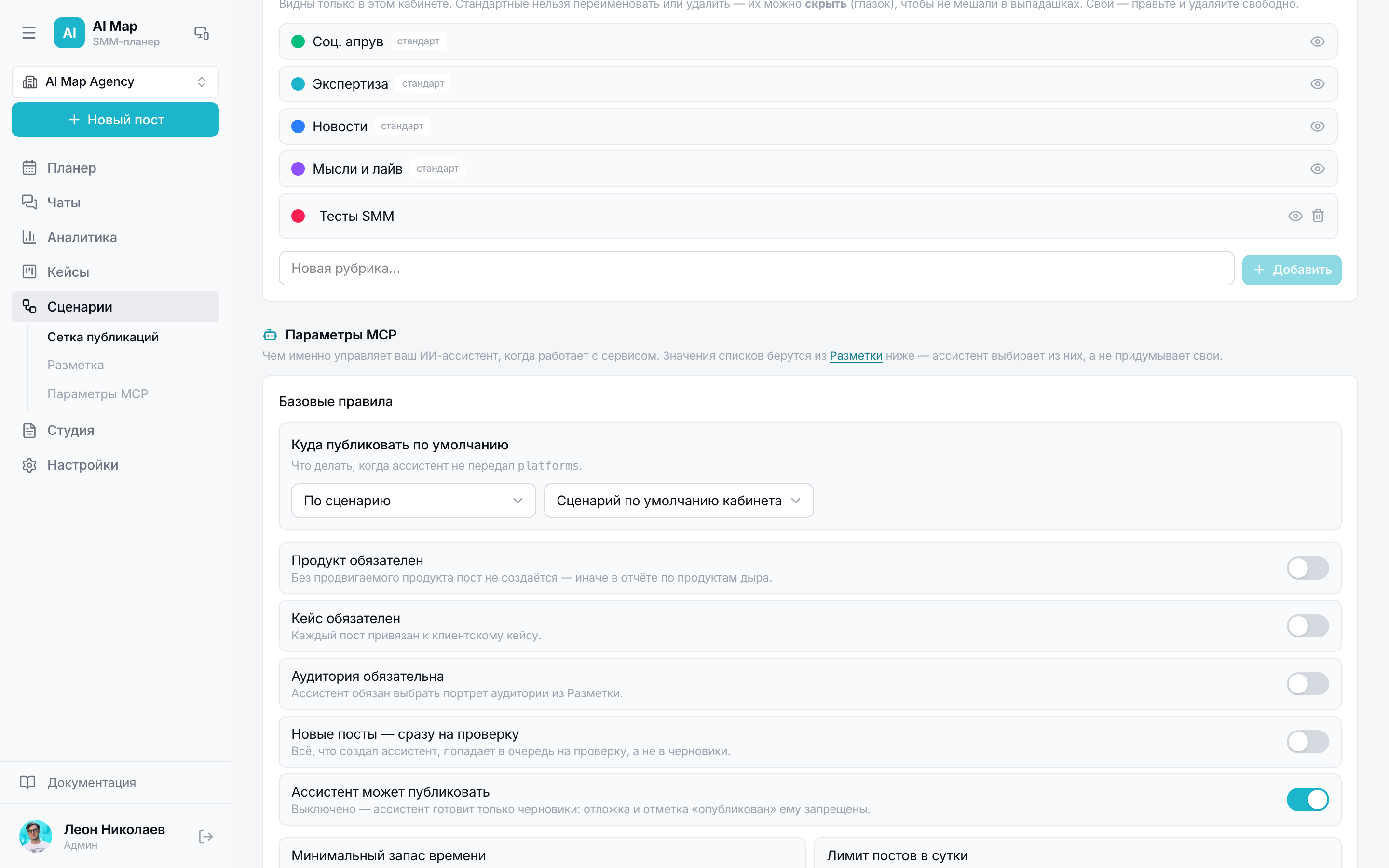
Scenarios
A scenario is a tree of steps: the flagship post and its continuations across platforms with their own delays and conditions. A run creates all posts of the tree at once: those that can publish themselves go into the schedule, the rest — as drafts.
When something went wrong
- A channel error is visible right in the post card, with the text from the platform.
- A connection drop doesn't mean the post didn't go out: the service re-asks the provider and substitutes the link to the real publication if there is one.
- Recent publications are checked once an hour: if the post isn't there by the link, the channel is honestly marked as an error.
- An already published channel isn't touched by republishing — there'll be no duplicate in the feed.